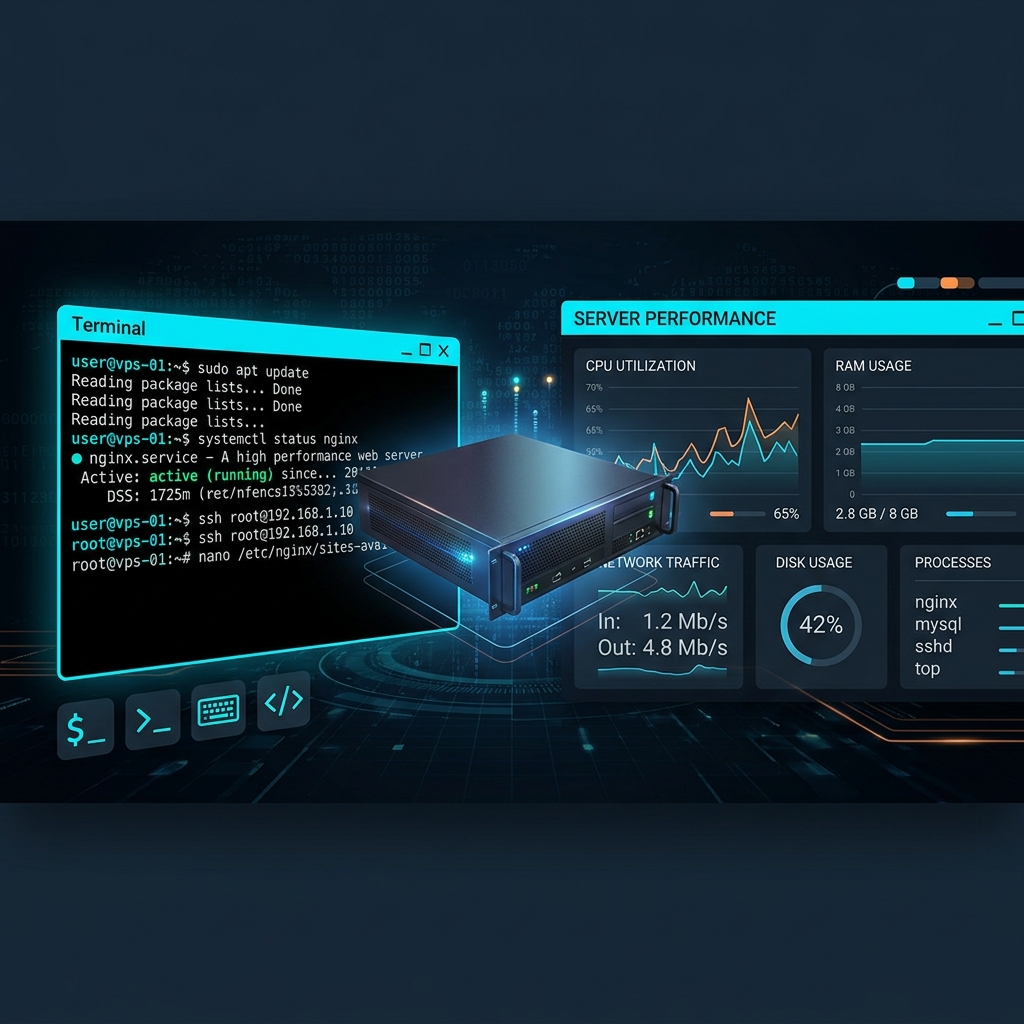
Can You Run a Web Server Without cPanel?
Absolutely. In fact, most high-performance websites don't use cPanel at all. Companies like Netflix, Airbnb, and Shopify manage their servers without traditional hosting control panels. For smaller operations, modern alternatives provide a graphical interface without the cPanel price tag.
This guide shows you three approaches to managing a VPS without cPanel, from fully graphical to command-line.
Option 1: Install a Free Control Panel (Recommended)
The easiest way to manage a VPS without cPanel is to install a free hosting control panel that provides the same graphical interface. Here are the best options:
HPanel — Best Overall Alternative
HPanel provides everything cPanel does and more, with a modern interface and Nginx-based architecture that's significantly faster than cPanel's Apache default.
Installation (Ubuntu 22.04+):
wget -O setup.sh https://securedownloads.hpanel.net/latest.sh && sudo bash setup.shAfter installation, you get:
- Web-based dashboard for all server management
- WordPress auto-installer
- Email server management
- DNS zone editor
- SSL certificate management (auto Let's Encrypt)
- File manager with code editor
- Database management (MySQL/MariaDB)
- Backup system with scheduled backups
Option 2: Command-Line Management
For experienced administrators, managing a VPS via SSH is the most flexible approach. Here's what you need to set up:
Web Server (Nginx)
sudo apt update && sudo apt install nginx
sudo systemctl enable nginx
sudo systemctl start nginx
PHP Processing
sudo apt install php8.2-fpm php8.2-mysql php8.2-xml php8.2-curl php8.2-gd php8.2-mbstring
sudo systemctl enable php8.2-fpm
Database Server
sudo apt install mariadb-server
sudo mysql_secure_installation
SSL Certificates
sudo apt install certbot python3-certbot-nginx
sudo certbot --nginx -d yourdomain.com
Option 3: Docker-Based Management
For developers who prefer containerized deployments, tools like Portainer provide a web UI for managing Docker containers on your VPS.
VPS Management Tasks Comparison
| Task | cPanel | HPanel | CLI |
|---|---|---|---|
| Add Website | GUI | GUI | Manual configs |
| SSL Certificate | GUI | Auto | Certbot CLI |
| Email Accounts | GUI | GUI | Postfix config |
| WordPress Install | Softaculous | One-click | WP-CLI |
| Backups | GUI | Scheduled | Cron + rsync |
| Monthly Cost | $45+ | From $0 | $0 |
Which Approach is Right for You?
- Non-technical users: Install HPanel — get a full GUI without cPanel costs
- Developers: CLI + Docker for maximum control
- Hosting providers: HPanel for client management and reseller features
Conclusion
Managing a VPS without cPanel is not only possible — it's often better. Modern alternatives like HPanel provide faster performance, better security, and a more intuitive interface, all without the $45/month licensing fee. Whether you choose a graphical panel or command-line management, you'll save money while gaining more control over your server.